|
The Case
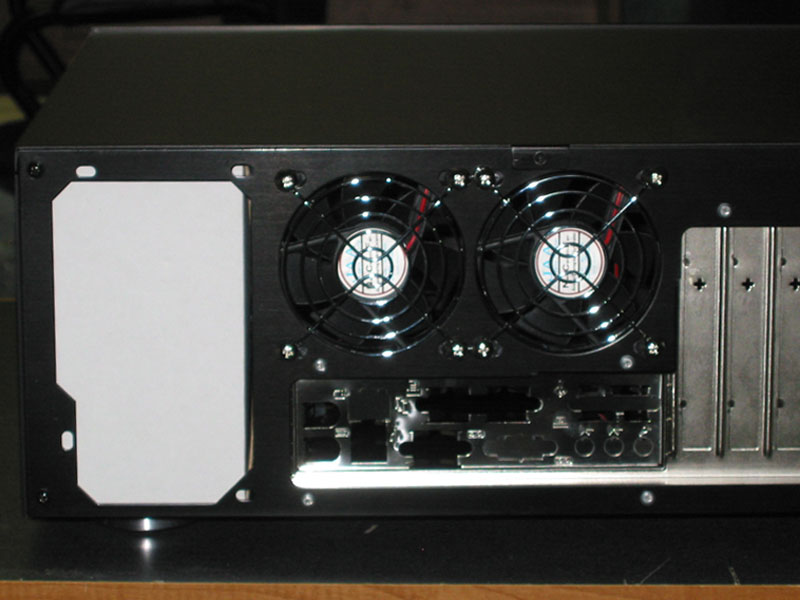
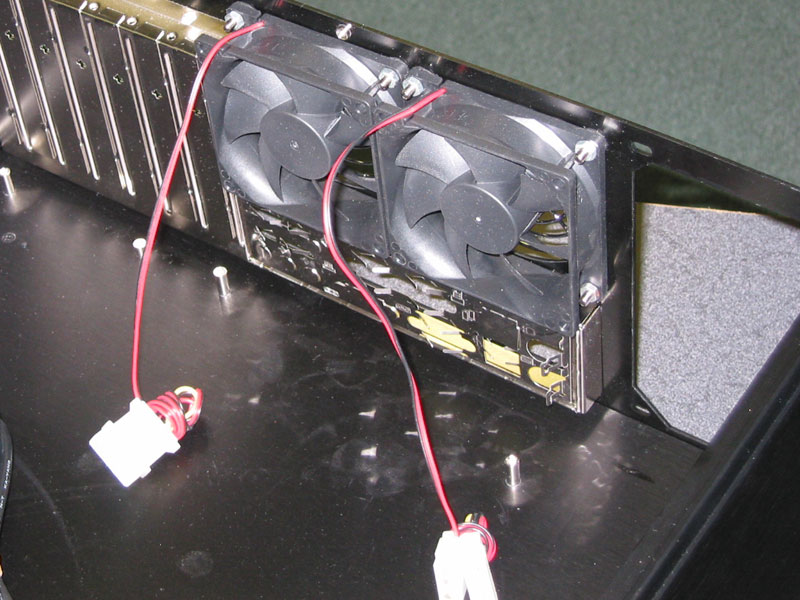
I started looking around for retailers for the X11 case as I was beginning to like it more than the Silverstone LC17. Most of the retailers were overseas and a case is something I would not want to pay international shipping for. While looking at these online stores, I discovered something interesting. On some of the sites, they were listing different specifications than what is listed on the OrigenAE website. Specifically, certain retailers were selling a variant of the X11 that had dual 80mm fans in the back and an extra Hard Drive bay.
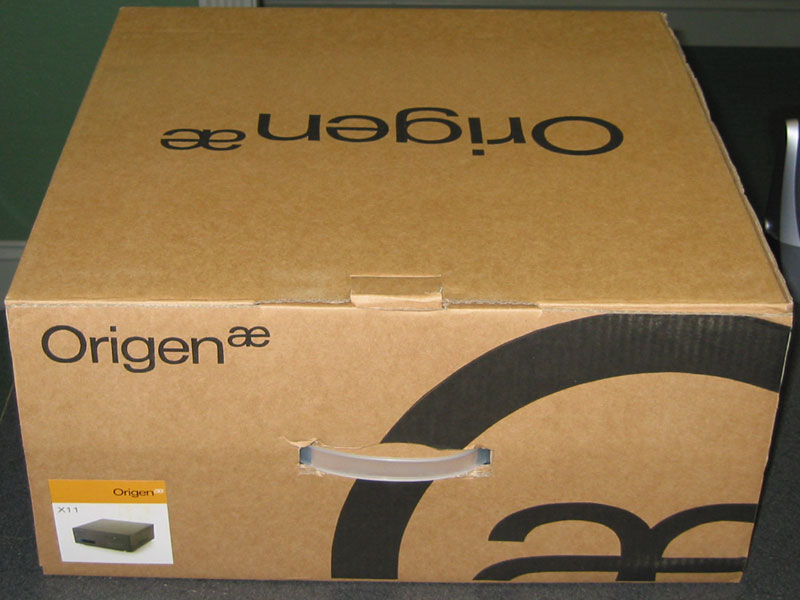
After doing some digging on HTPC News, I found some images of the revision 2 X11 case from an Electronics show. Apparently OrigenAE never bothered updating their website. I contacted PC Alchemy as their website indicated that they were selling revision 2 of the case. I received an email from PC Alchemy on a Sunday Morning stating that yes they are in fact selling revision 2 of the case. I placed an order that morning and received the case three days later.
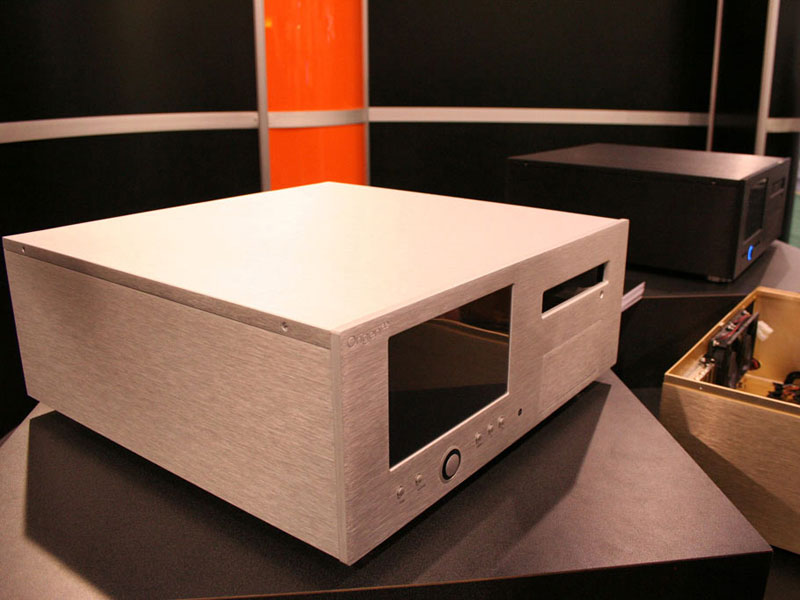
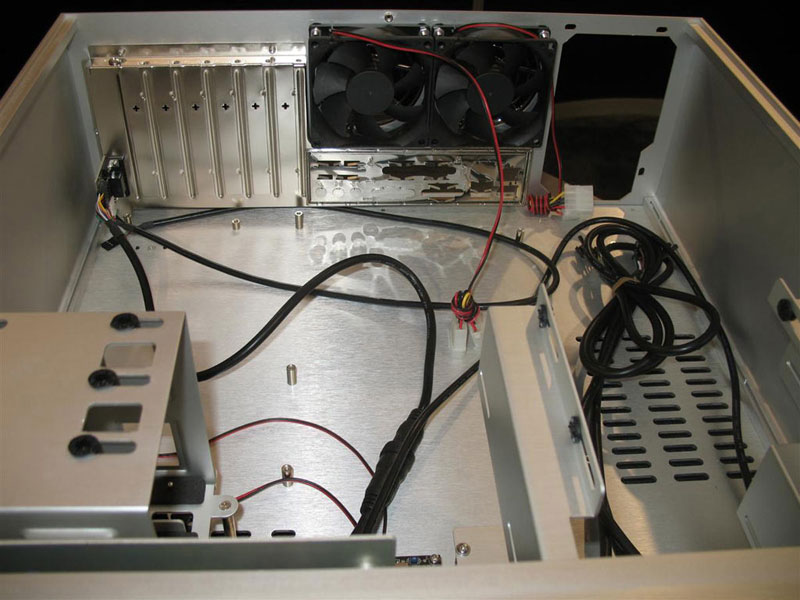
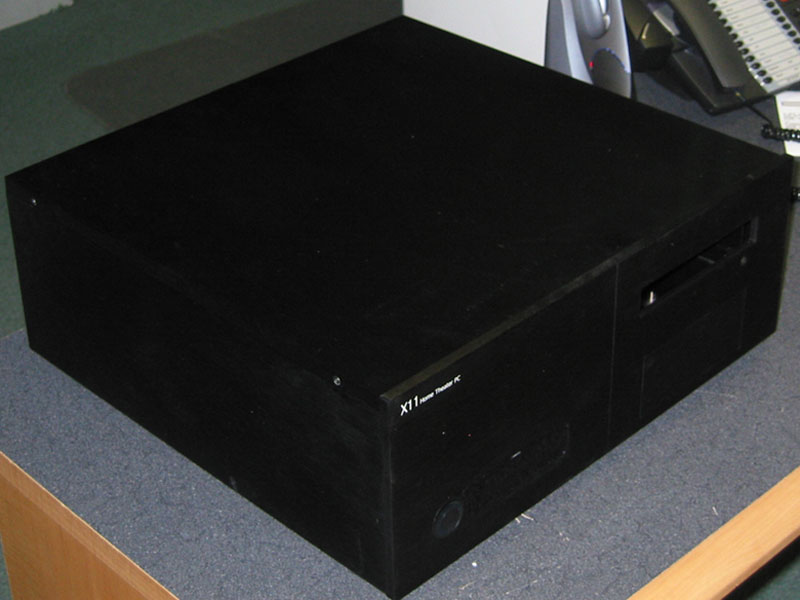
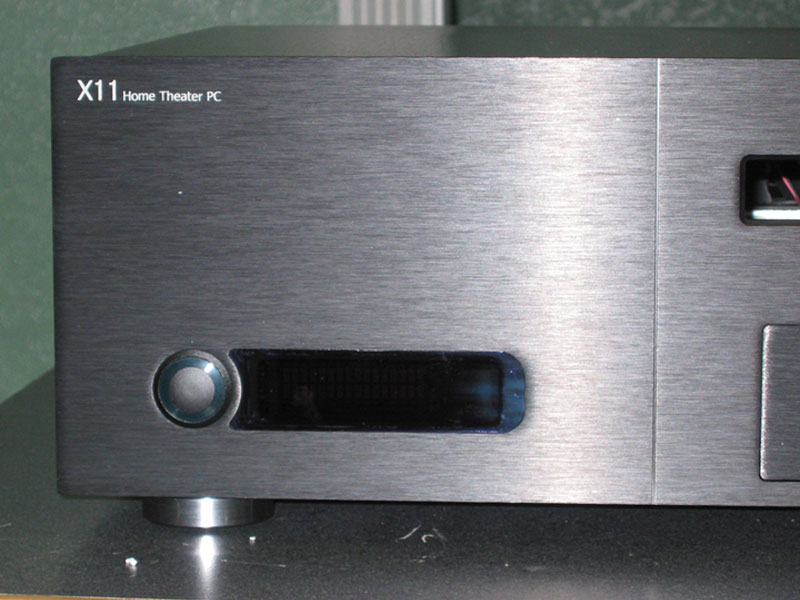
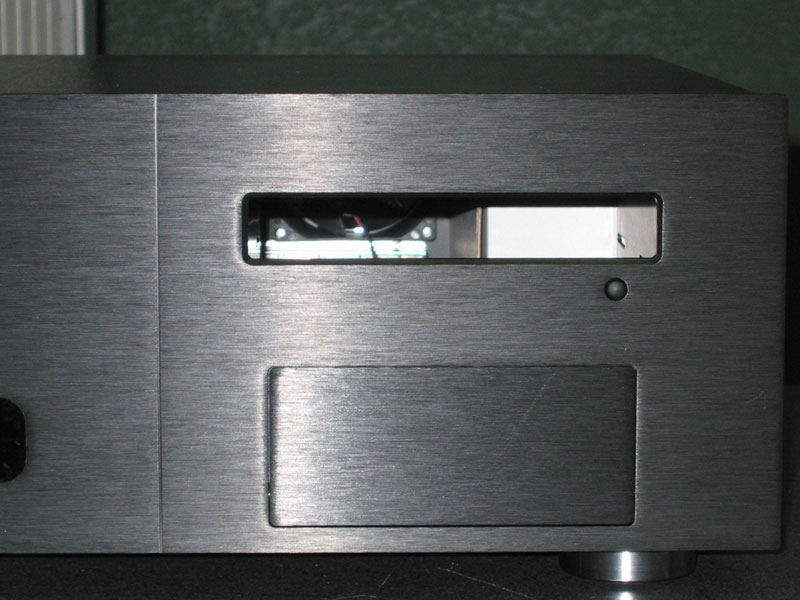
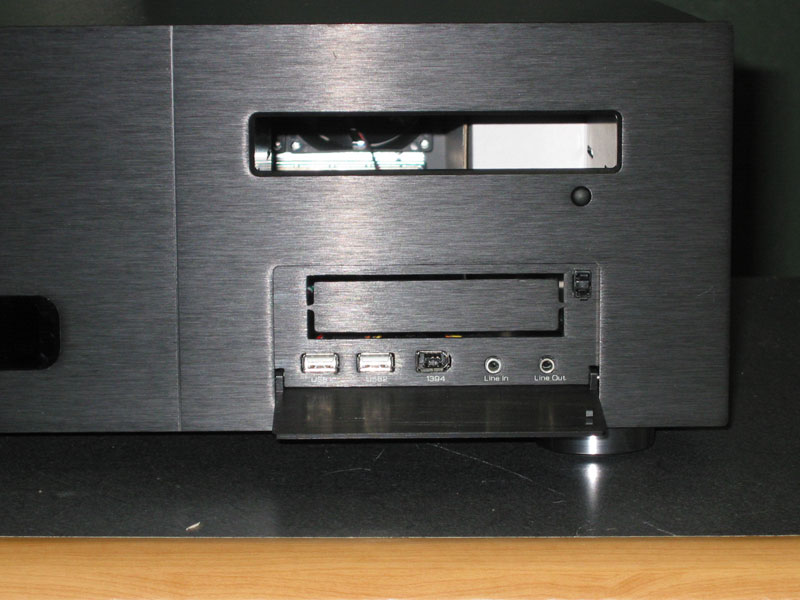
The case itself has a very nice brushed aluminum look to it which does not translate well in pictures. The front of the case features a large power button that illuminates blue, a two line VFD, IR receiver, a slot for a single DVD-Rom drive, and a push-close door that hides a single 3 1/4" bay and Audio/Firewire/USB connections. The back panel has very little open space. There is a spot for a full size ATX Power Supply, I/O Panel, seven Expansion Slots, and two 80mm fans. There are a ton of screws in this case. All of the exterior screws are flush mounted so they do not stand out. I would later find out that it is possible to completely disassemble the case which made installing hardware very easy.
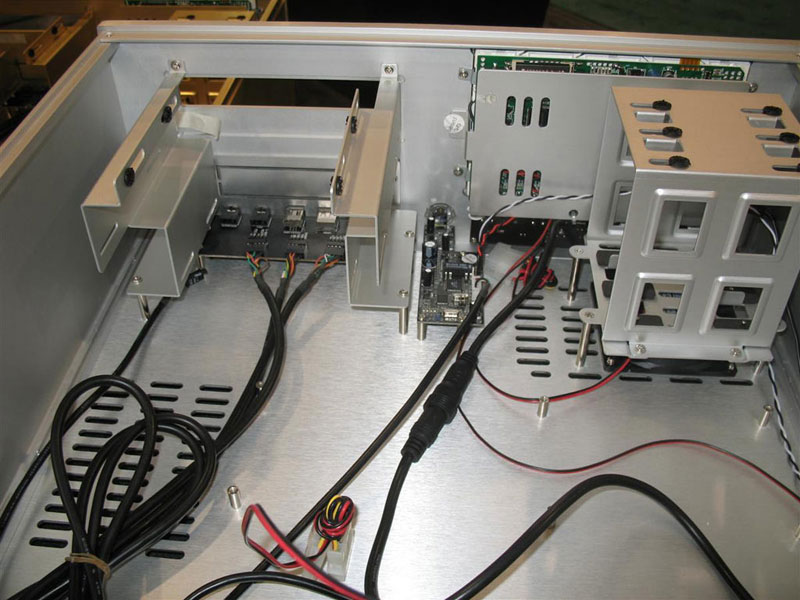
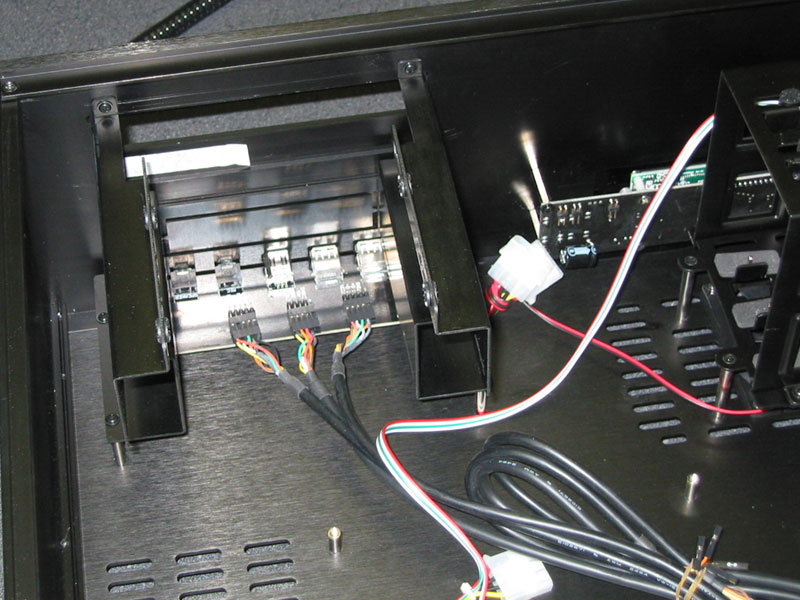
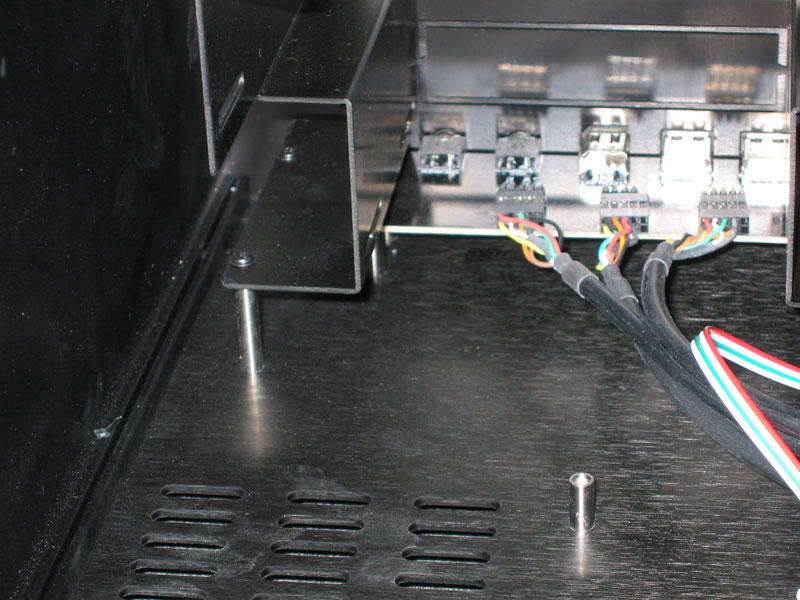
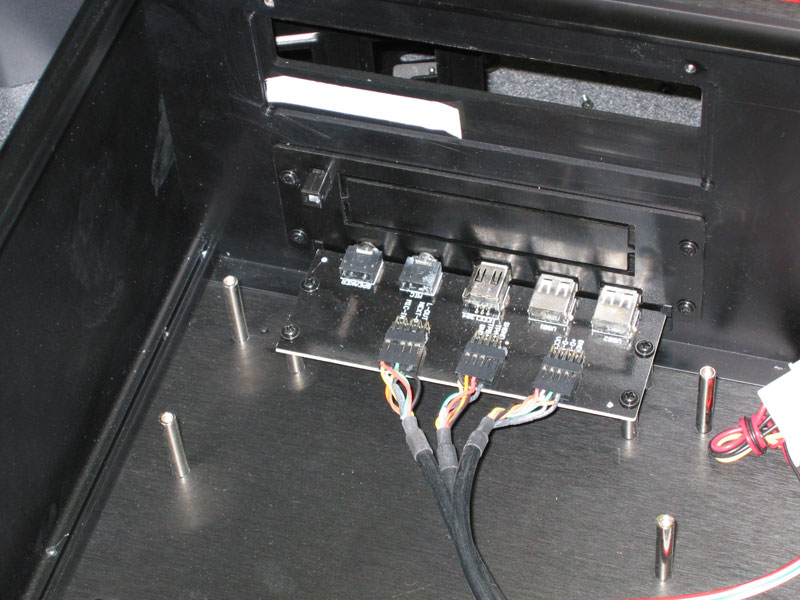
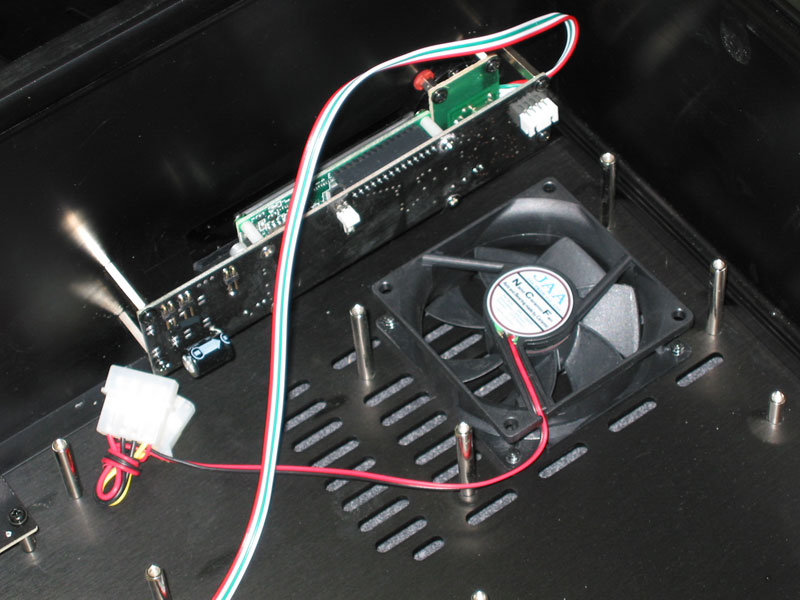
The inside of the case is as impressive as the exterior. The motherboard standoffs are taller than normal which allows for easier routing of cables under the motherboard. The Hard Drive Bay has been turned on its side and expanded to hold three drives. Below the drive bay is a third 80mm fan. At the front-left of the case are bays for a fourth Hard Drive, one Optical Drive, and an external Floppy Bay. The control board for the Front Panel Ports is also located here. In front of the Hard Drive bay is a large circuit board which controls the Power Switch, VFD, and IR transmitter.
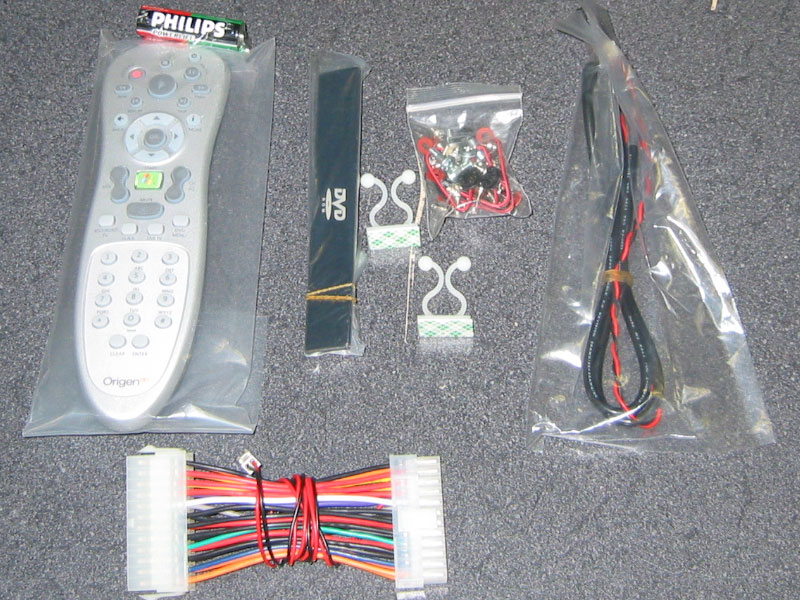
The case also comes with plenty of extras. Inside the accessory box are cables for connecting the VFD, an MCE Remote and batteries, installation software for the VFD, a front bezel for the Optical Drive, and the obligatory bag of mounting screws. The Remote is an exact replica of the Microsoft Remote except for the logo at the bottom. I was even able to use the Microsoft Remote to control MCE via the built in IR Transmitter. Apparently the ATX power adapter thingy is used to turn on the HTPC with the remote. I was pleasantly surprised to find that the adapter that I received was 24-pin. This must be another of the changes in Version 2. The only downside here is that if your motherboard has a 20-pin connector, you will need some additional adapters to get everything connected properly.
|